How to troubleshoot missing webhook events
Agent Skill
Automate this endpoint with an AI agent using the 2chat-webhooks skill:
npx skills add 2ChatCo/agent-skills -s 2chat-webhooks
- Make sure you are subscribed to the right event. You can see all available events here.
- Make sure your target URL is accessible via the public internet.
- If you are using WhatsApp, make sure the number is connected to 2Chat.
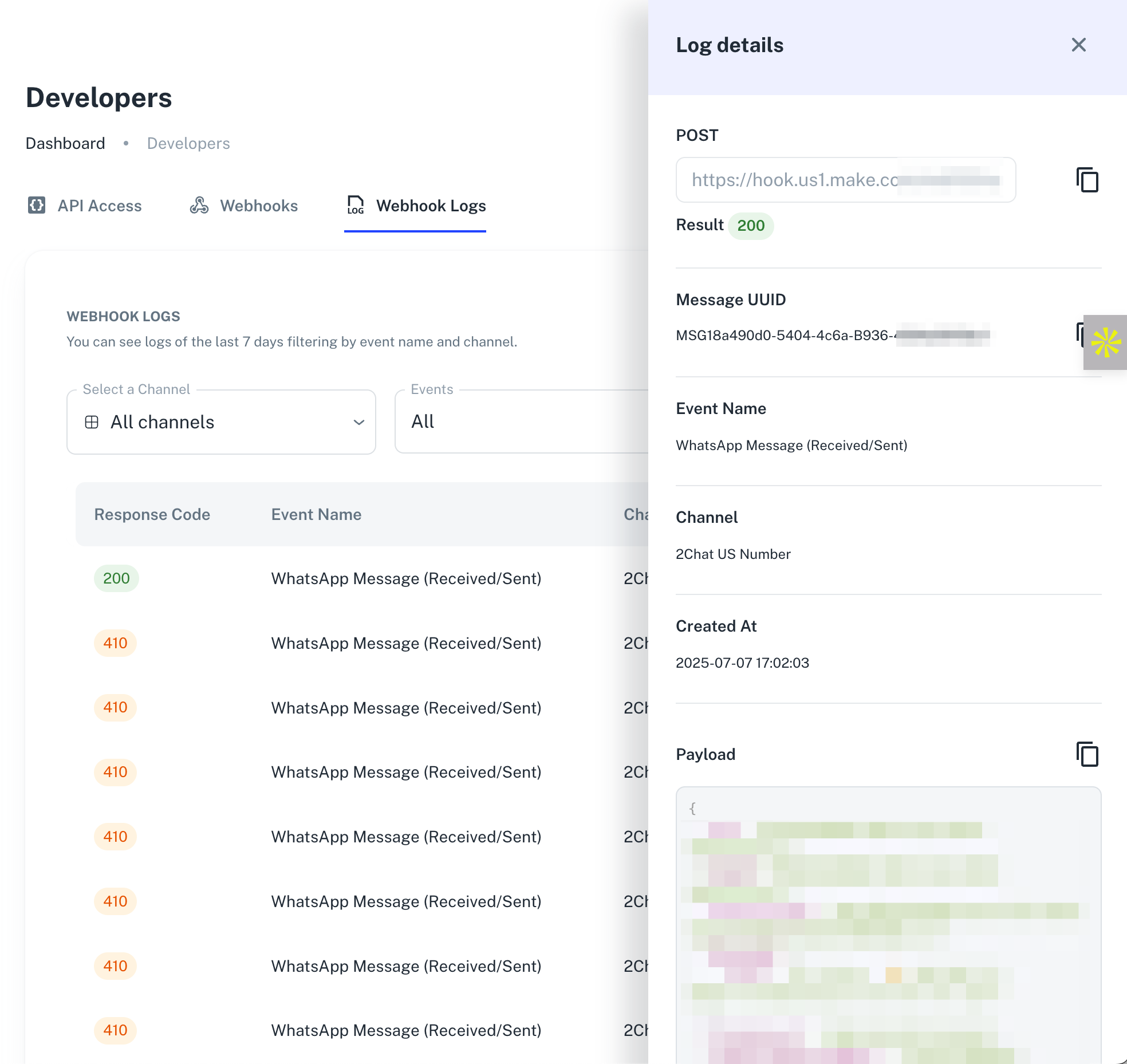
- Check the webhook logs. If you can see the event fired in the logs, the issue must be related to the reception of the event on your side.